How to Protect Your Email When Joining Social Media Platforms

Share this article
Help others discover this content
Creating an Instagram account requires an email address — but what if you want to protect your personal email from potential spam and data breaches? That’s where TempMail comes in.
TempMail is a free service that generates disposable email addresses for your Instagram signup needs. These temporary emails work just like regular ones, allowing you to receive verification codes and complete your account creation process.
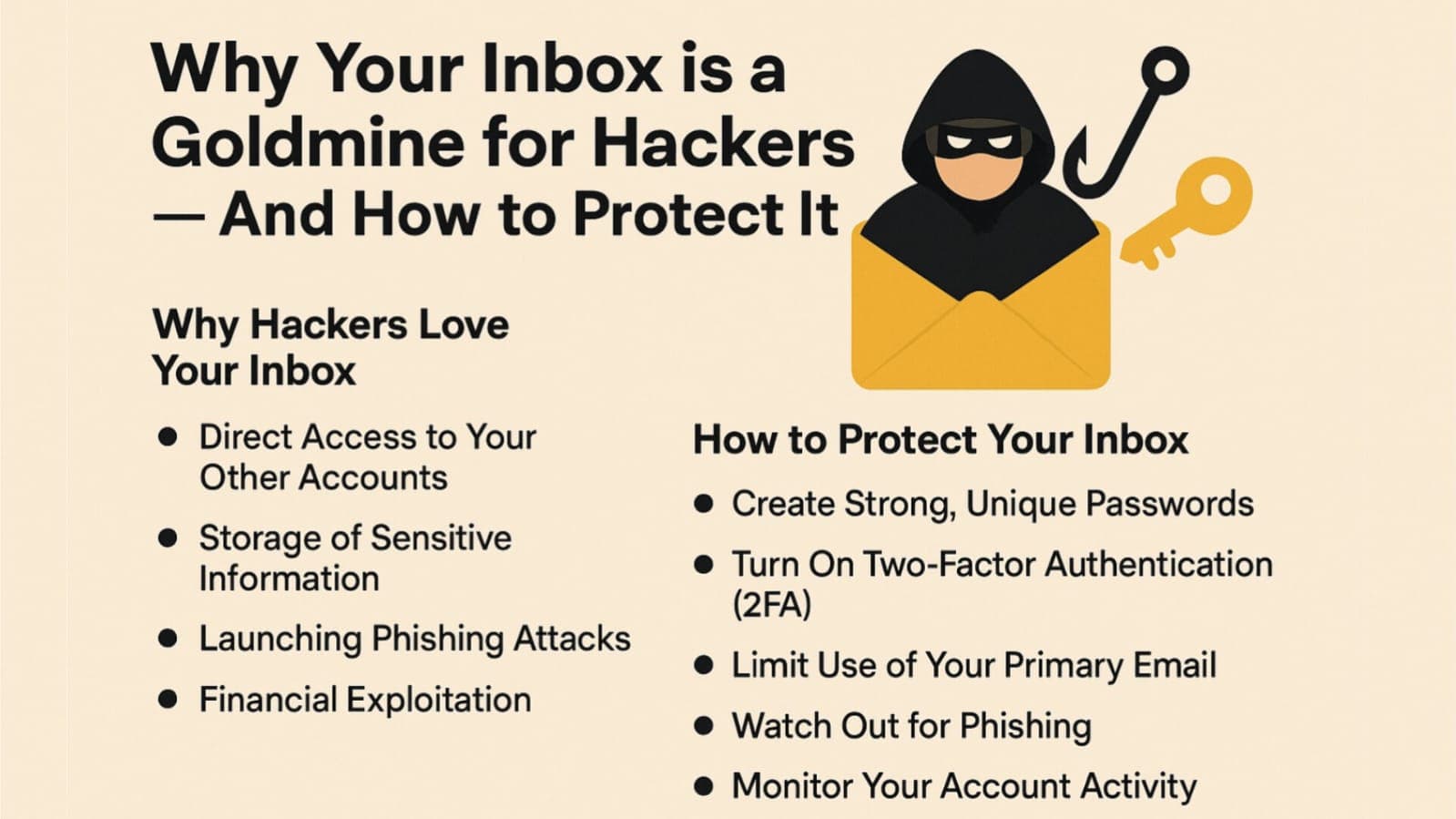
In today's digital world, protecting your online privacy is essential. Social media platforms like Instagram collect large amounts of user data, and your email address can become a target for:
- Unwanted marketing emails
- Data breaches
- Spam messages
- Phishing attempts
Using TempMail for Instagram signup gives you a shield of anonymity. You get instant access to a working email address that self-destructs after use, keeping your real email private and spam-free.
Why Use TempMail for Instagram?
TempMail is your digital shield against unwanted spam and potential data breaches when creating Instagram accounts.
Protect Your Real Email
- Block promotional emails
- Shield your email from breaches
- Prevent spam from Instagram marketing
- Maintain privacy and security
Create Multiple Instagram Accounts
- Unique emails for each profile
- Bypass single-email restriction
- Manage separate identities
- Switch accounts easily
100% Anonymous Experience
- No personal info required
- No tracking or footprint
- Remain invisible to advertisers
Instant Access Benefits
- One-click email generation
- No signup needed
- Works with Instagram verification
Free Forever Features
- Unlimited usage
- No cost or hidden charges
- Auto-delete feature for extra security
How to Use TempMail for Instagram – Step-by-Step Guide
1. Generate Your Temporary Email
- Visit TempMail.sbs
- Email generates automatically
- Click copy to use it
2. Start Instagram Registration
- Go to Instagram.com or open the app
- Click "Sign Up"
- Enter username and password
- Paste TempMail email
3. Verify Your Account
- Check your TempMail inbox
- Find Instagram email and code
- Enter it in the app
4. Complete Your Profile Setup
- Add picture and bio
- Set privacy
- Follow other accounts
Pro Tips for Success
- Keep the TempMail tab open until verified
- Save your login safely
- Enable two-factor authentication
Common Issues and Solutions
- Refresh TempMail inbox if email doesn’t arrive
- Ensure email is copied correctly
- Try another TempMail email if blocked
With TempMail, you can create and manage Instagram profiles quickly, securely, and anonymously. Whether you're a casual user or a digital marketer managing multiple pages, TempMail helps you stay safe and organized online.