Using Temporary Email for AI Platform Privacy: A Complete Guide

Share this article
Help others discover this content
How to Use Temp Mail for AI Tool Signup
Signing up for AI tools like ChatGPT, Google Gemini, Claude, Microsoft Copilot, Jasper AI, and Perplexity AI often requires an email verification step. However, sharing your personal email can lead to spam, newsletters, and unwanted tracking. TempMail solves this problem by offering disposable email addresses you can use safely and anonymously.
With TempMail, you can receive verification codes from AI platforms without exposing your main inbox. It's ideal for developers, students, and anyone testing AI services without the hassle of long-term email commitments.
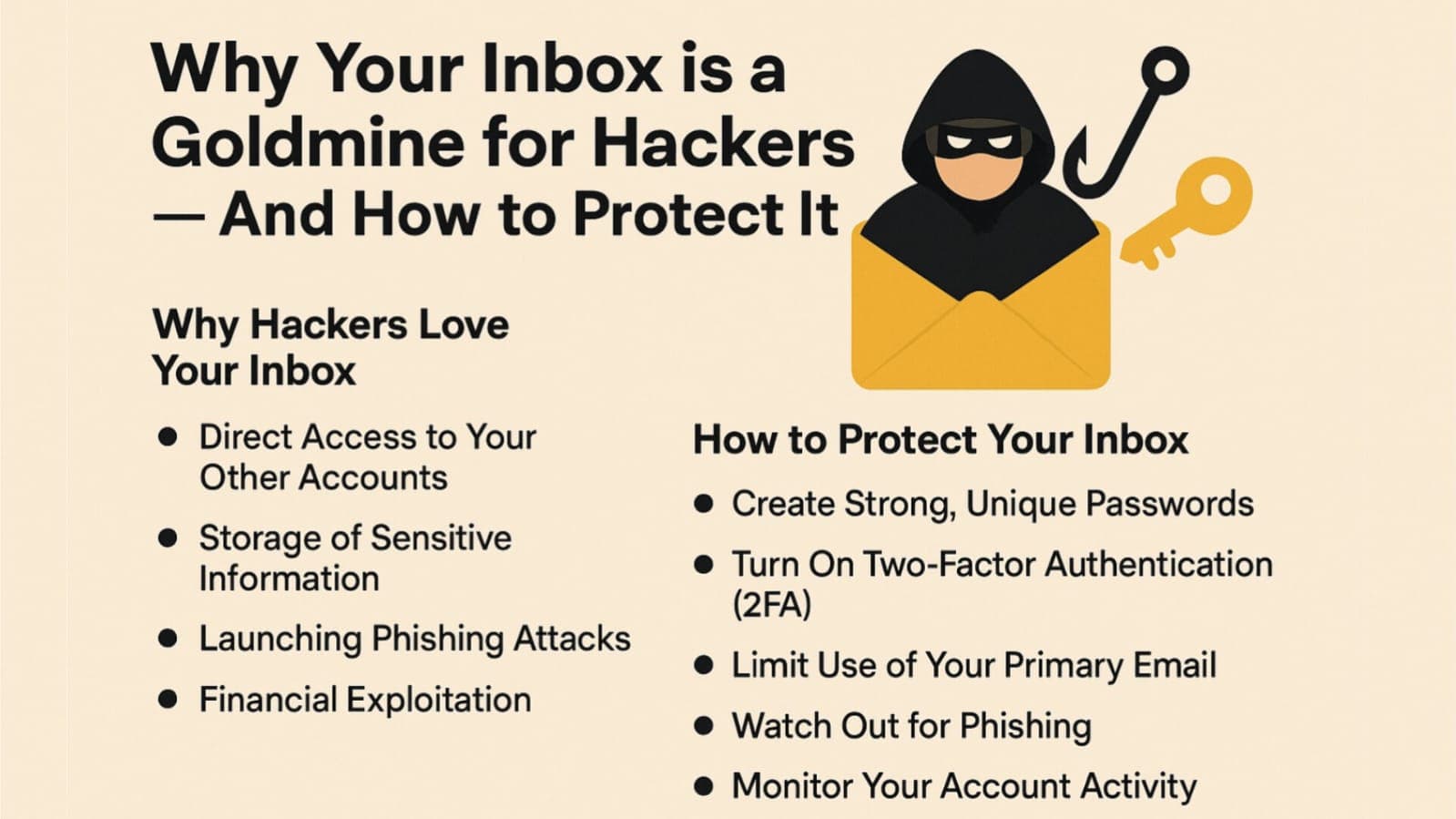
Using personal emails for AI tools can lead to:
- Spam from marketing teams
- Tracking of user activity
- Unwanted newsletters and promotions
- Exposure to phishing attacks
Benefits of TempMail for AI Platforms
Protect Your Real Email
- Block marketing emails from AI platforms
- Keep personal inbox clutter-free
- Use anonymous email for testing
Quick Testing for AI Tools
- Set up demo accounts instantly
- No need to register multiple real emails
- Ideal for developers and freelancers
Manage Multiple Accounts
- Separate work and personal accounts
- Create different accounts for Gemini, ChatGPT, etc.
- Stay organized across platforms
Step-by-Step: Use TempMail to Sign Up for ChatGPT or Other AI Tools
1. Generate Temporary Email
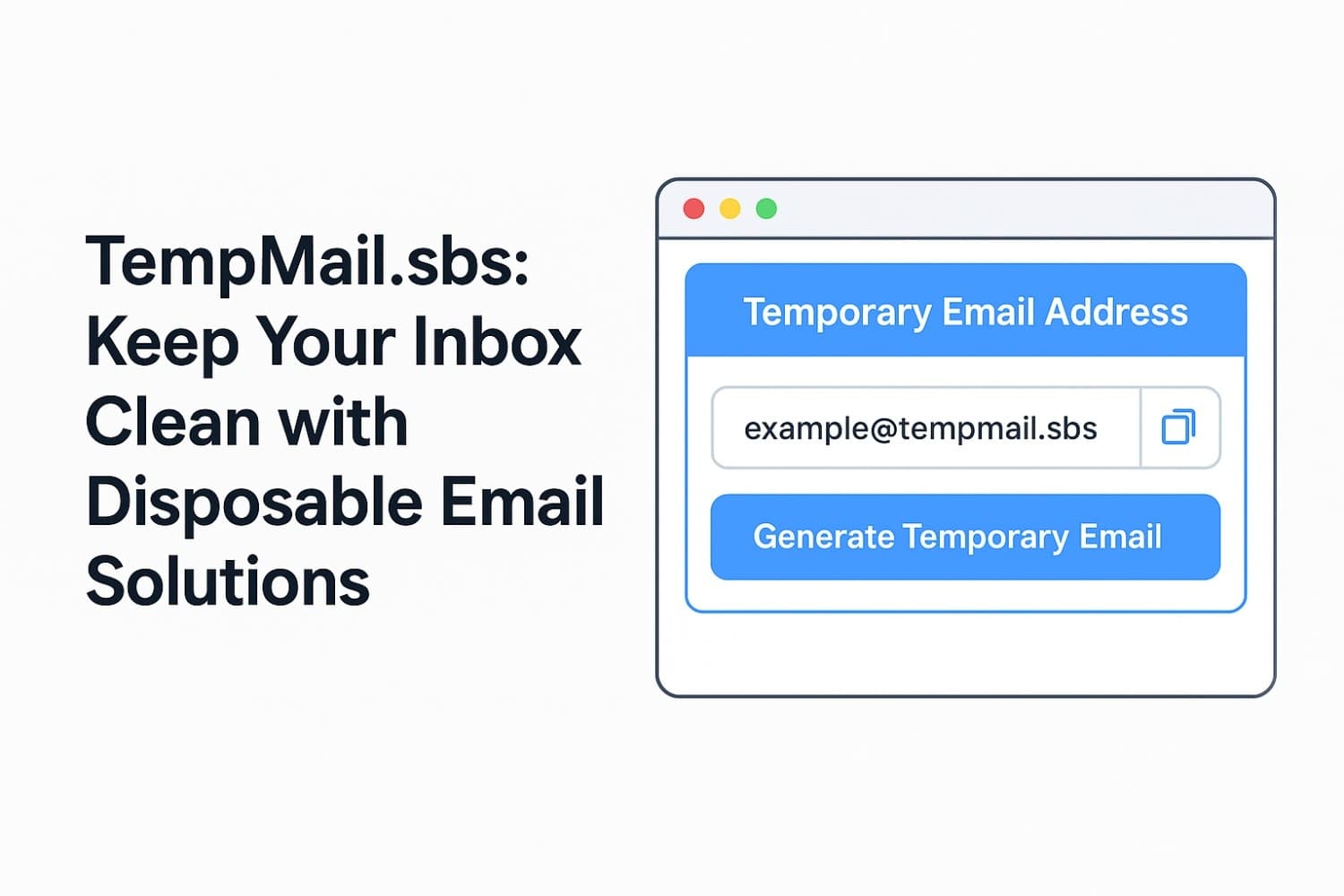
- Visit TempMail.sbs
- Copy the generated email address
- Keep the tab open for incoming mails
2. Go to the AI Tool Signup Page
- For ChatGPT: OpenAI Signup
- For Gemini: Gemini Signup
- Paste TempMail email in the signup form
- Create a secure password
3. Retrieve Verification Code
- Check TempMail inbox
- Find the email from the AI tool provider
- Copy the verification code
4. Complete Registration
- Enter the code on the signup screen
- Finish account setup
- Start using the AI tool instantly
Pro Tips for Smooth Signup
- Use incognito mode to avoid browser conflicts
- Don't refresh the TempMail page accidentally
- Create browser profiles for separate accounts
Troubleshooting Tips
- Email not received? Refresh TempMail or try another domain
- Make sure verification code is correct and valid
- If signup fails, wait a few minutes and retry
Whether you're testing AI tools or keeping your inbox safe, using Temp Mail is a smart move. It works for signing up on platforms like ChatGPT, Gemini, Claude, Jasper, Copilot, and many others — without giving away your real identity.